
What you'll need
- The plugin linkShared with you by the Convosight team
- A ChatGPT accountThe one you use for work, at chatgpt.com
- Your Convosight loginThe username and password you use for Persona
Install & access
Step 1 of 4
Open the Persona plugin link
- Paste this into your browserThe Persona plugin link, below.
- You'll land on Persona's pageFind + Install plugin, top right
https://chatgpt.com/plugins/plugin_asdk_app_6adb487dde6081918a112e6e3fb9fc68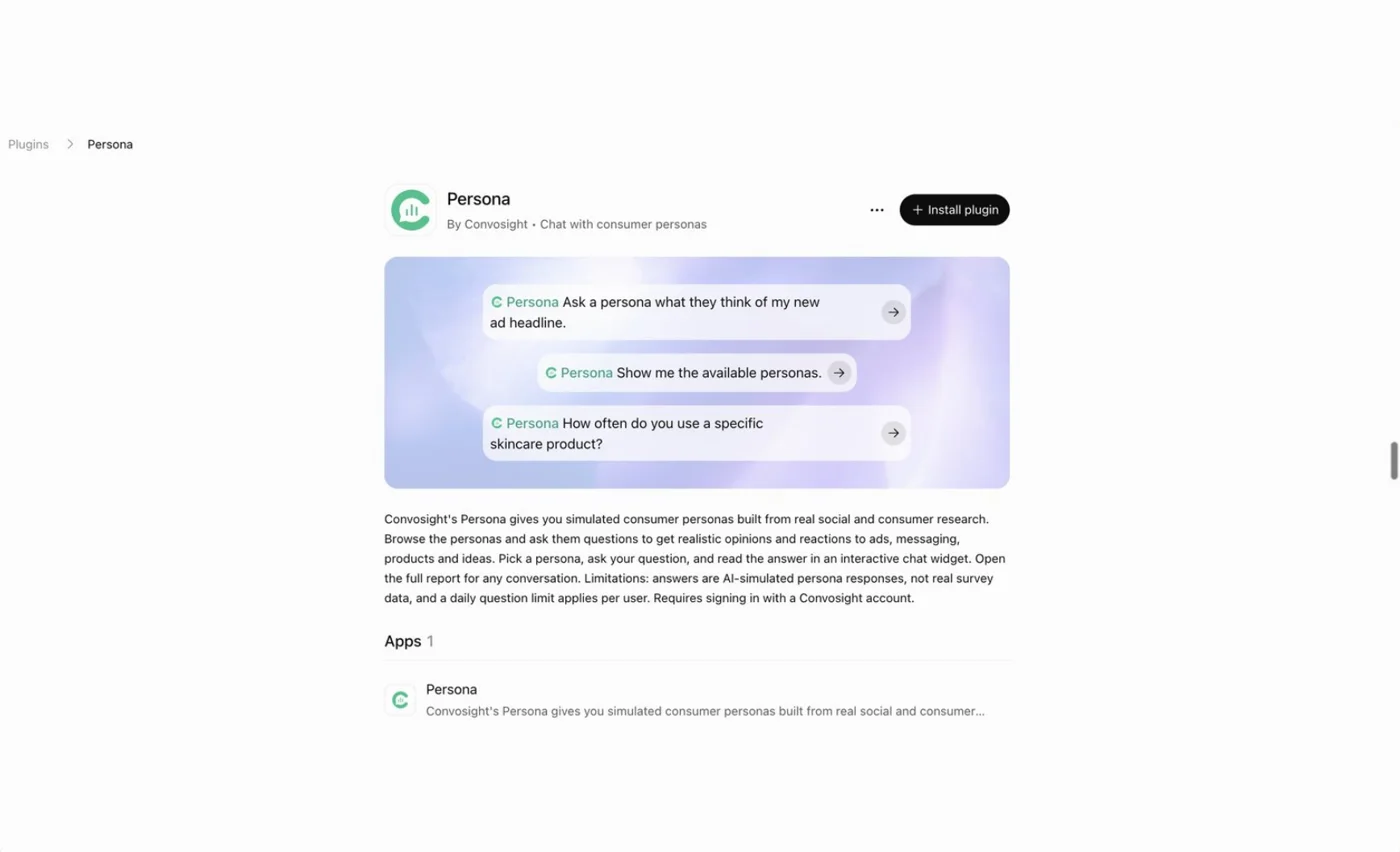
Step 2 of 4
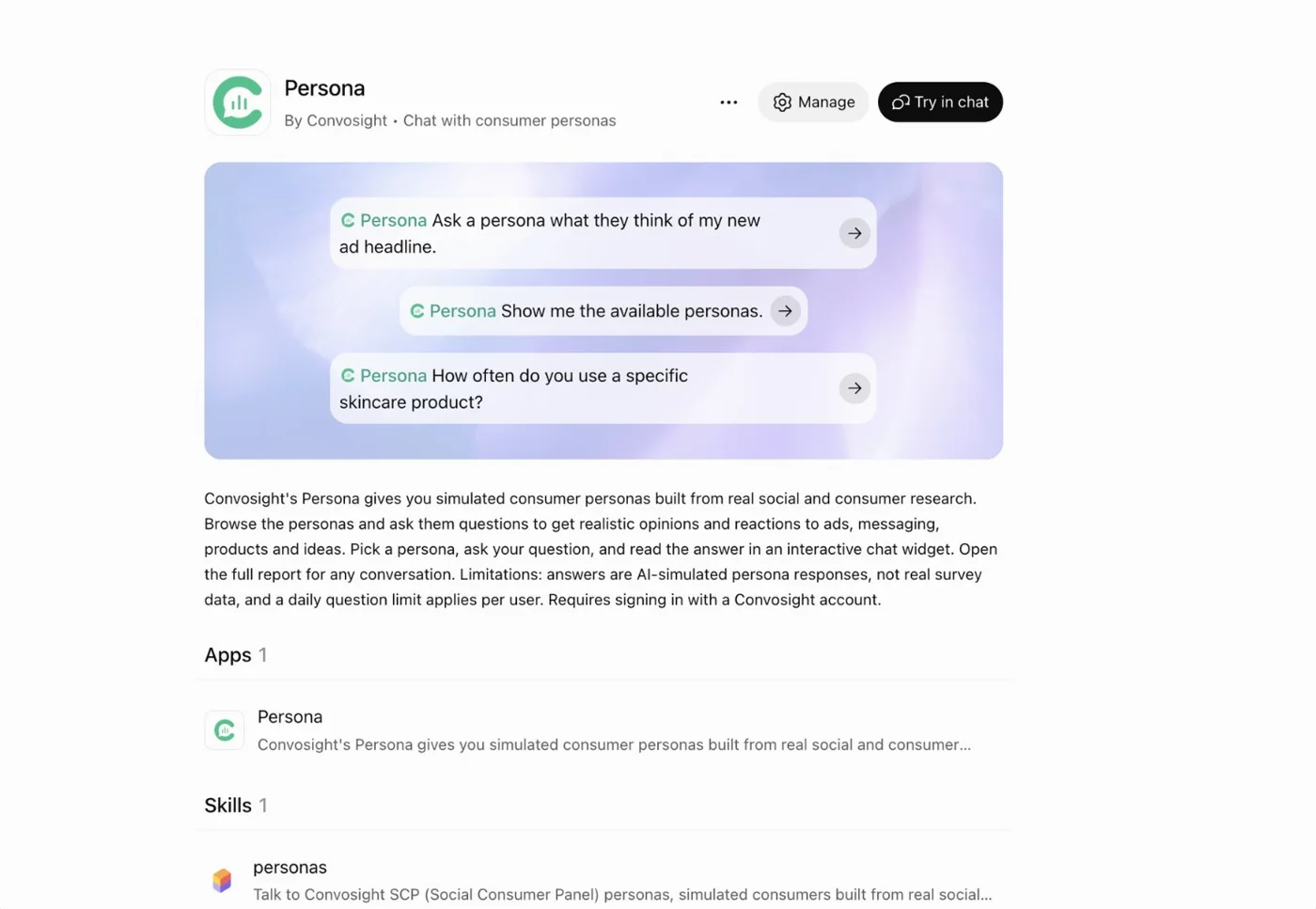
Install the plugin
- Click + Install pluginLog in to ChatGPT if it asks
- You're installed when…The button turns into Try in chat, with Manage beside it
Step 3 of 4
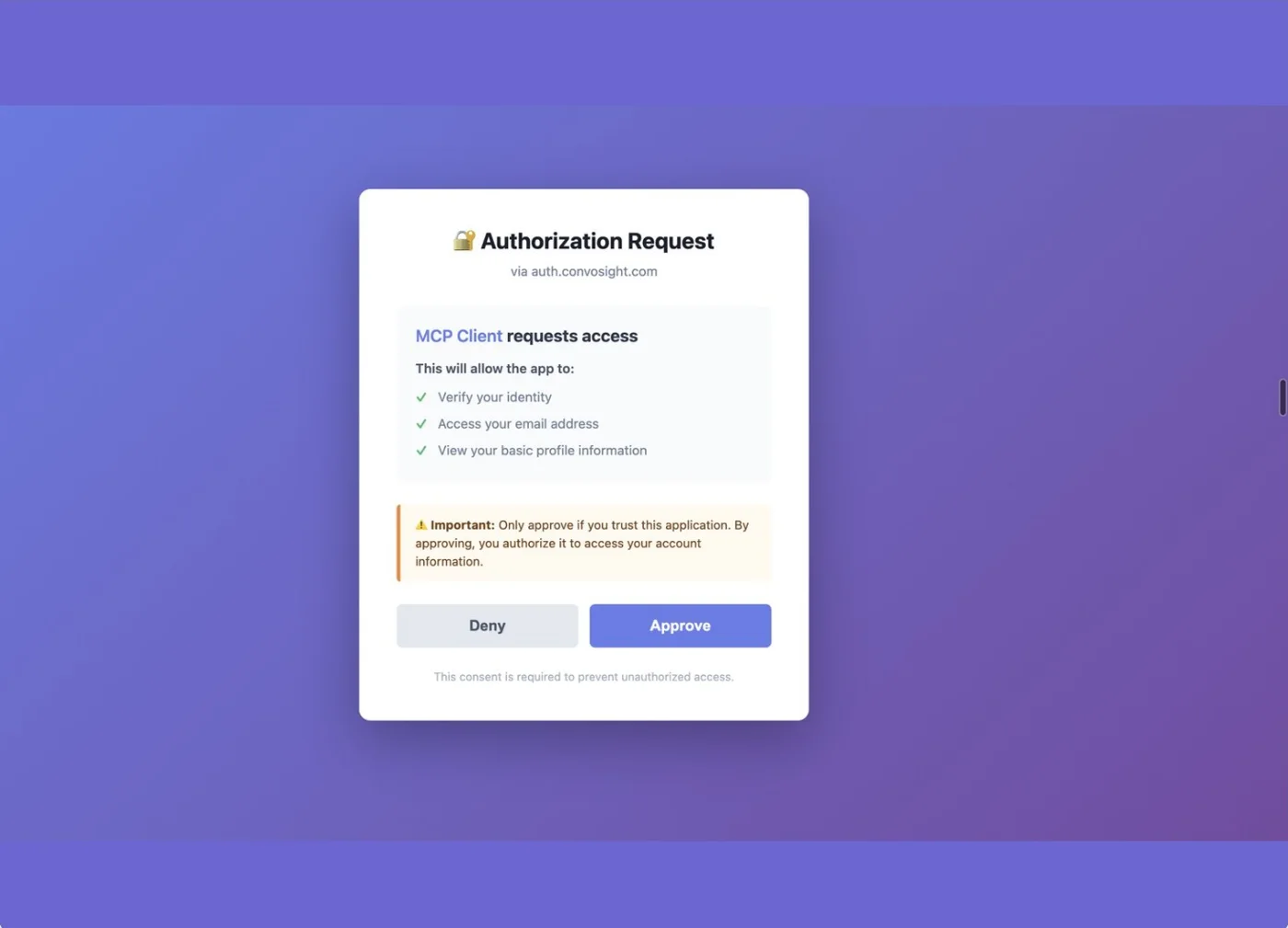
Sign in and approve access
- Sign in if askedUse your Convosight username and password
- Click ApproveThe request comes from auth.convosight.com
Step 4 of 4
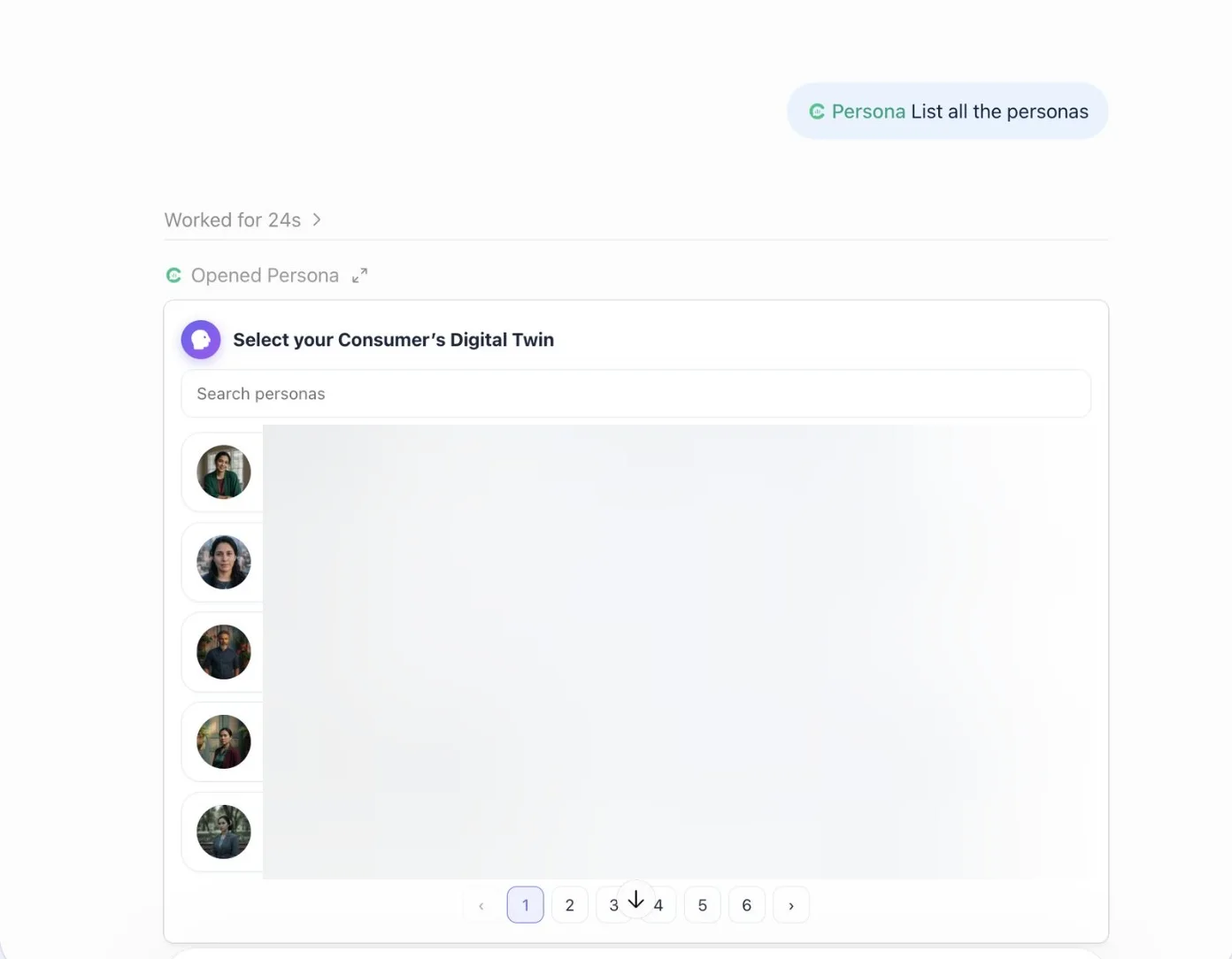
Pick a persona and start talking
- Click Try in chat, switch to WorkAsk @Persona List all the personas, then pick your consumer's digital twin
Then ask it like a real consumer
- @Persona What do you think of my new ad headline?
- @Persona How often do you use your skincare products?
- @Persona What would make you switch diaper brands?
You're in
Persona is ready inside ChatGPT.
What you get
- Instant reactions from your ideal customer
- Built from millions of real social conversations
Need help?
- Need help?Need help? Write to reachus@convosight.com
- Don't see Install plugin?Your workspace admin may need to enable plugins
Download this guide (PDF)Same steps, ready to share with your team.