
What you'll need
- The plugin linkShared with you by the Convosight team
- A ChatGPT accountThe one you use for work, at chatgpt.com
- Your Aria loginUsername and password from Convosight
Install & access
Step 1 of 4
Open the Aria plugin link
- Paste this into your browserThe Aria plugin link, below.
- You'll land on Aria's pageFind + Install plugin, top right
https://chatgpt.com/plugins/plugin_asdk_app_6a56387fe0688191b7028e7a215c5970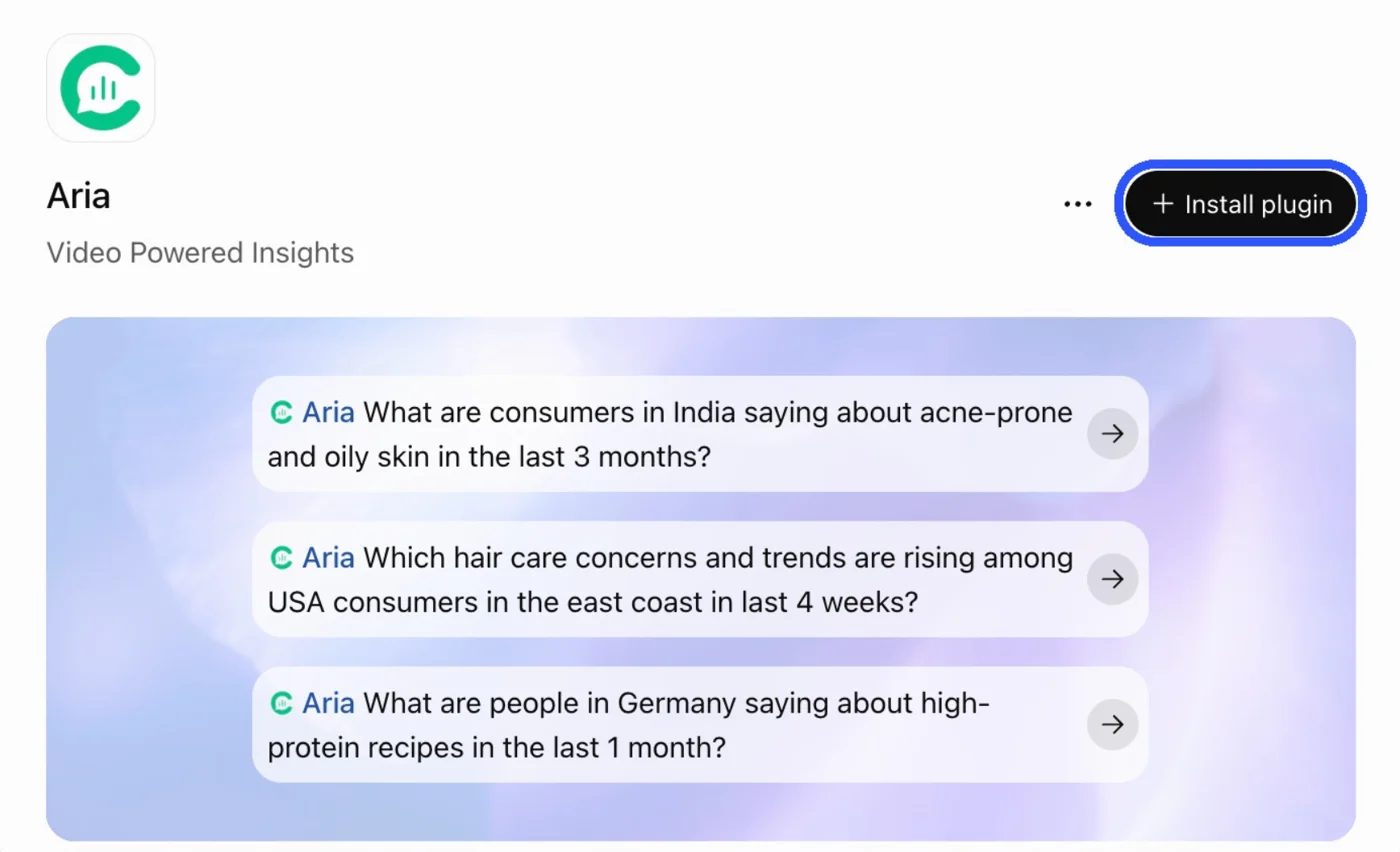
Step 2 of 4
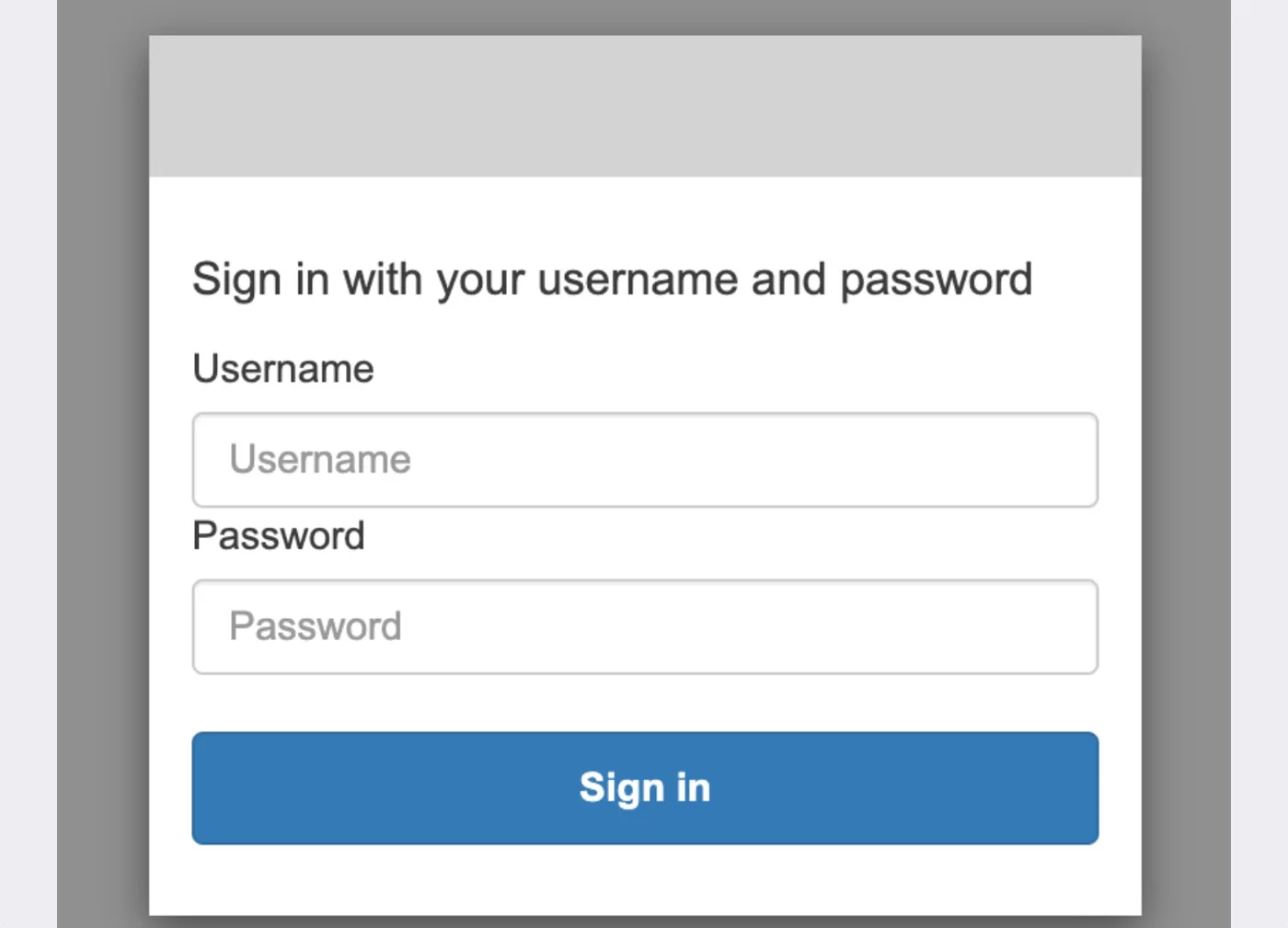
Sign in with your Aria account
- Right after installAria opens its sign-in window
- Enter your Aria loginThe username and password from Convosight, then Sign in
Step 3 of 4
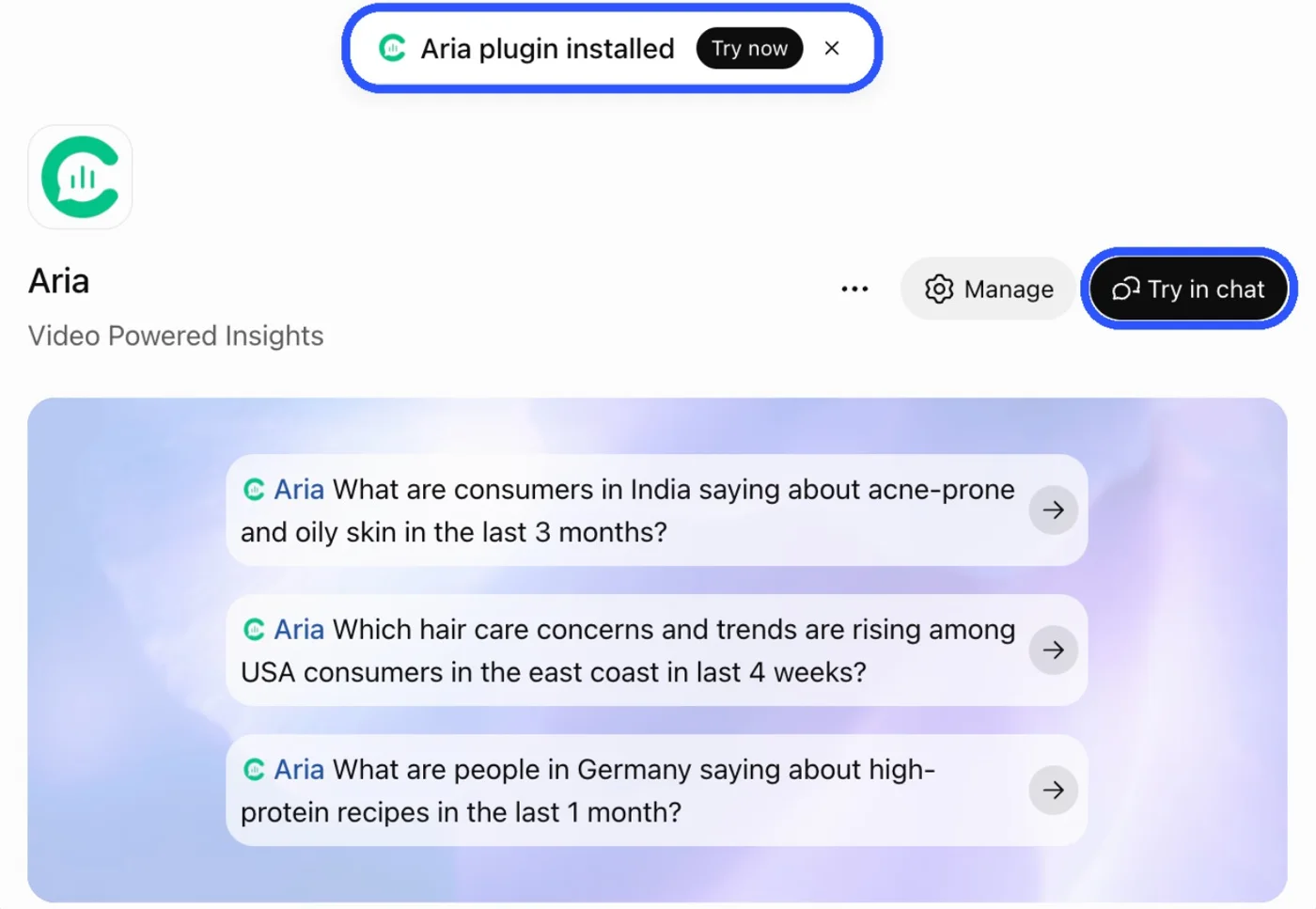
Install the plugin
- Click + Install pluginLog in to ChatGPT if it asks
- Look for the green light“Aria plugin installed” appears, and the button turns into Try in chat
Step 4 of 4
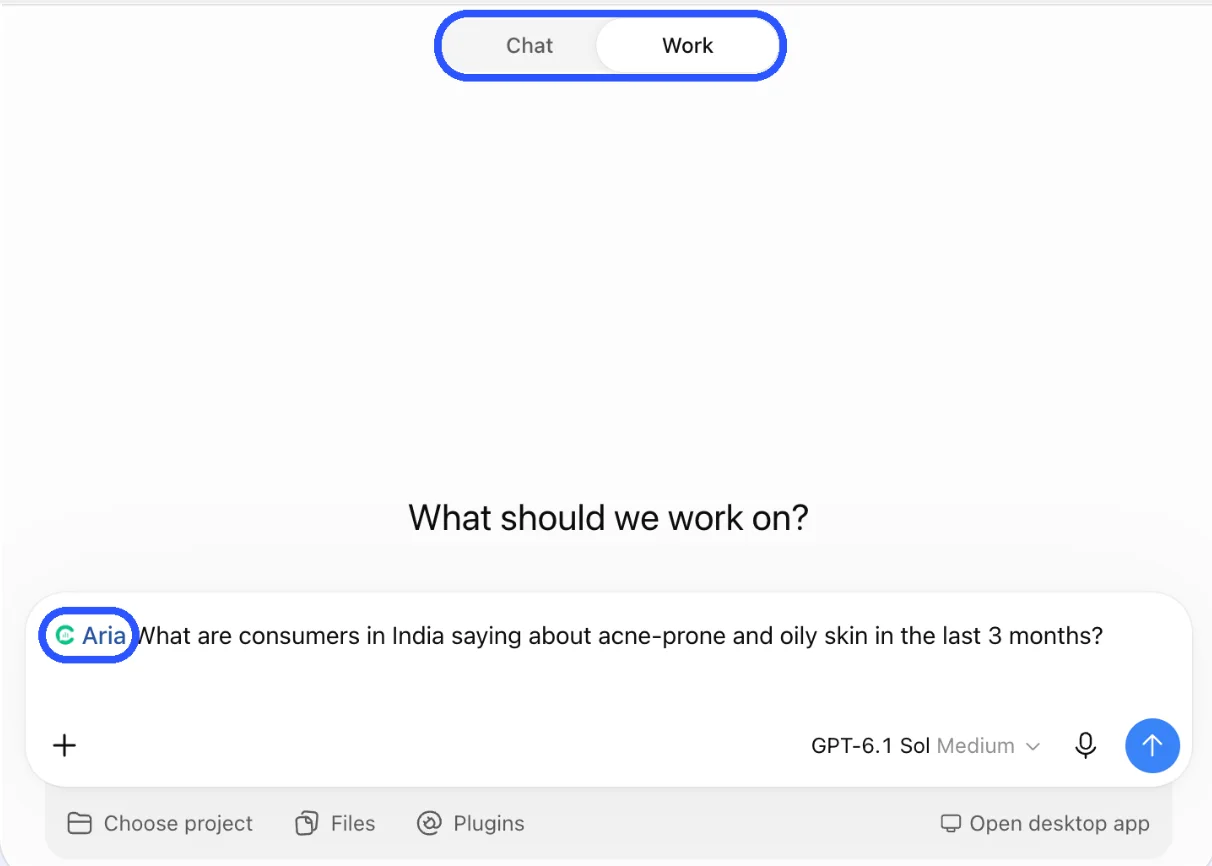
Open a chat in Work mode and ask
- Click Try in chat, switch to WorkAria is already tagged in your message box
Then try one of these
- @Aria What are consumers in India saying about acne-prone and oily skin in the last 3 months?
- @Aria Which hair care concerns are rising among USA consumers in the last 4 weeks?
- @Aria What are people in Germany saying about high-protein recipes in the last month?
You're in 🎉
Aria is ready inside ChatGPT.
What you get
- Insights grounded in millions of real social videos
- Answers you can share straight with your team
Need help?
- Need help?Need help? Write to reachus@convosight.com
- Don't see Install plugin?Your workspace admin may need to enable plugins
Download this guide (PDF)Same steps, ready to share with your team.